












Radio Settings

Home Up Racing Edition Program Options Control / Monitor Edit Banks Edit Systems Freqs Edit Systems TGIDs Copy Bank Exp/Imp System Edit Talkgroups Edit FleetMap Search Ranges Ranges/Settings Import Files CSV Import (DMA) CSV Import (Non-DMA) Radio Settings Location Alerts Lockouts OnLine Help

3D Technologies Announces ScanControl Version 6.2 Adding Support for the BC95XLT and Adding New Features.  See Our What's New Page.

On-Line Store

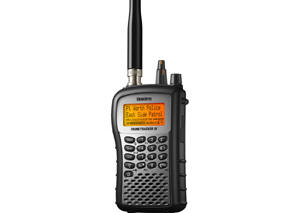
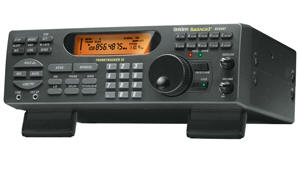
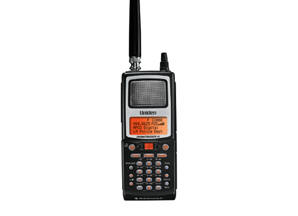
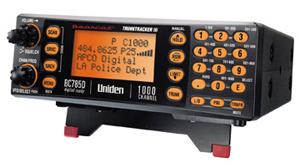
BCD996T

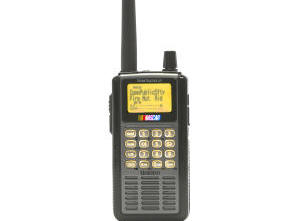
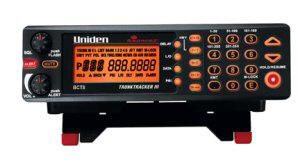
BCT15

BCD396T

BC246T

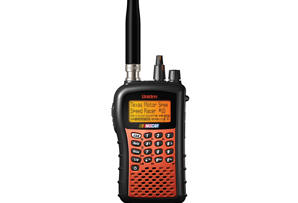
BR330T

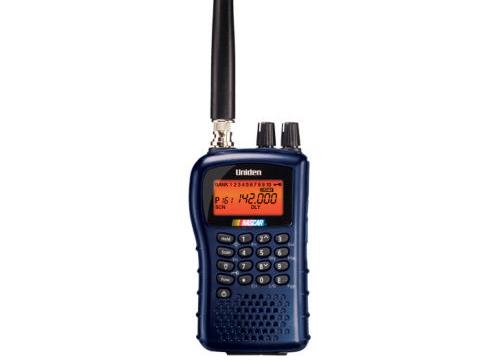
BC95XLT

SC230

BC898T

BC296D

BCT8

BC785D

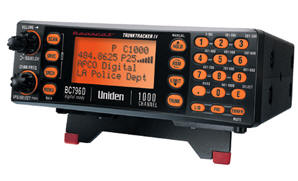
BC796D

BC780XLT

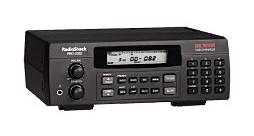
PRO-2052

BC895XLT


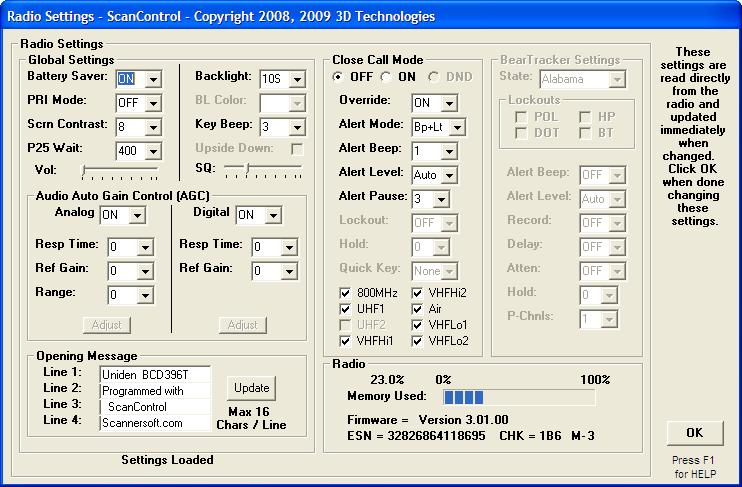
Radio Settings Screen  (DMA Radios)

This screen is used to set global functions in the radio such as display backlighting, screen contrast, etc. When the screen opens the settings are immediately read from the radio and displayed. When the user changes a setting it is immediately sent to the radio.


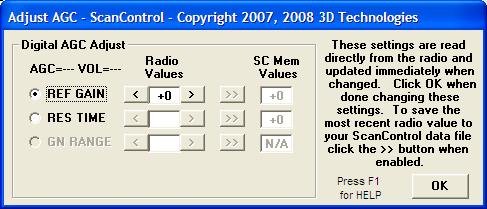
Automatic Gain Control (AGC) Adjustment Screen

The AGC Adjustment screen is available for the BR330T, BCD396T, BCT15 and BCD996T DMA Radios.  It is displayed when the user clicks on one of the AGC Adjust buttons on the Radio Settings Screen (above).  The Radio Values selected are sent to the radio for immediate update and can also be saved in the ScanControl data file for future re-call.

Visit Our On-Line Store

Home Up Racing Edition Program Options Control / Monitor Edit Banks Edit Systems Freqs Edit Systems TGIDs Copy Bank Exp/Imp System Edit Talkgroups Edit FleetMap Search Ranges Ranges/Settings Import Files CSV Import (DMA) CSV Import (Non-DMA) Radio Settings Location Alerts Lockouts OnLine Help
All other products mentioned are registered trademarks or trademarks of their respective companies.

Questions or problems regarding this web site should be directed to Webmaster@3dtechnet.com.
Copyright © 2007, 2008 3D Technologies.  All rights reserved.
NASCAR and the NASCAR logo are registered trademarks of The National Association for Stock Car Auto Racing, Inc.
Last modified: Saturday June 14, 2008.