


.htm_cmp_3d-scan010_hbtn.gif)
.htm_cmp_3d-scan010_hbtn.gif)


|
|
|
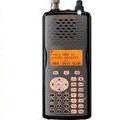
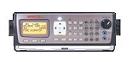
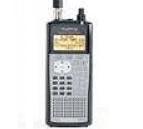
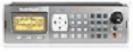
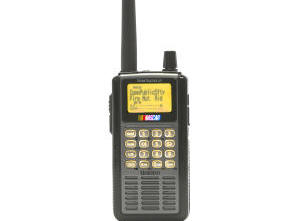
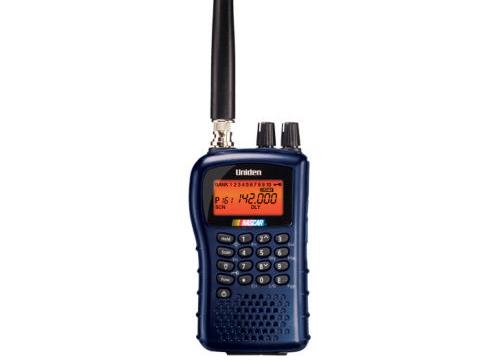
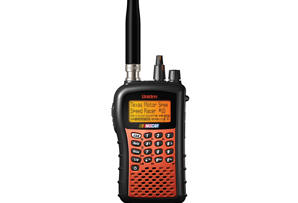
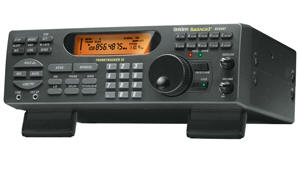
PSR-500
PSR-600
PRO-106
PRO-197
BCD996T
BCT15
BCD396T
BC246T
BR330T
BC95XLT
SC230
BC898T
BC296D
BCT8
BC785D
BC796D
BC780XLT
PRO-2052
BC895XLT
|
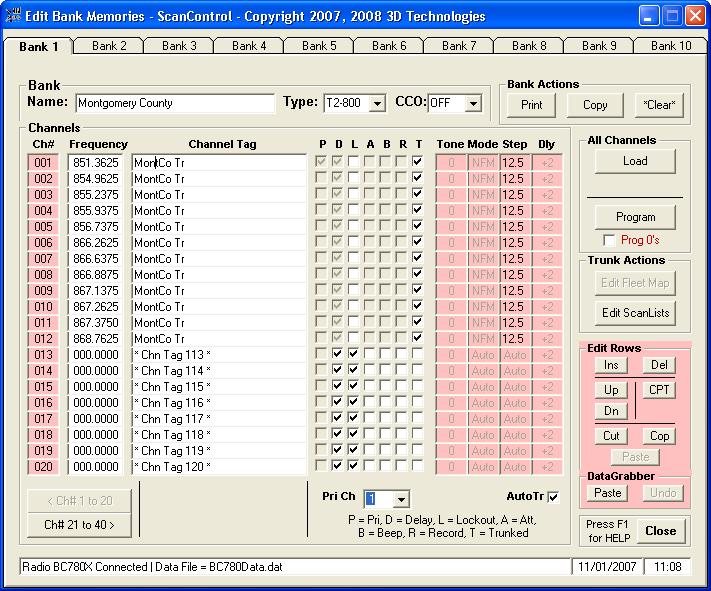
Edit Bank Memories Screen (Non-DMA Radios)The Edit Bank Memories Screen gives the user the ability to configure a Bank, enter and edit all Channel related data into the ScanControl Memory Area, print individual Bank data and program individual Banks into the scanner’s radio memory. It also allows the user to upload individual Bank data from the scanner’s radio memory to the ScanControl Memory Area. Also, individual channel data can be programmed and uploaded from this screen. On the BC895XLT and the PRO-2052 the "Trunk L/O Flip" is enabled. This button "flips" the lockout bits on all the trunked channels in the bank in one operation. If the lockout bit is off it is flipped on. If it is on it is flipped off. This screen is available in both the Lite edition and the Full edition of the software.
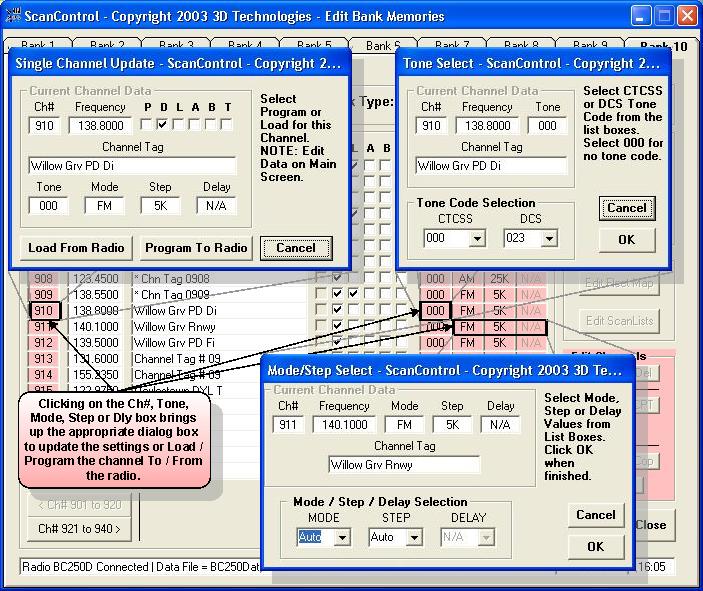
Below is the Edit Banks Screen exploded view with Single Channel Update Screen, CTCSS Tone Selection Screen and Channel Mode Select Screen.
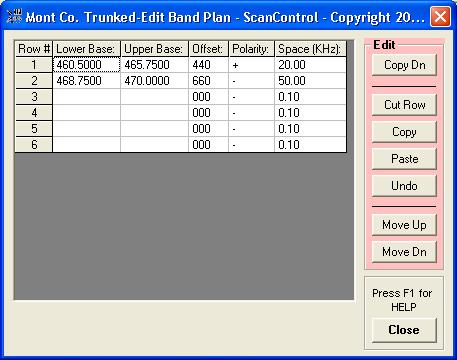
Below is the Motorola Custom Band Plan Editor screen. Some Motorola Trunk Systems require a custom set of trunk table values.
|
|