.htm_cmp_3d-scan010_hbtn.gif)
.htm_cmp_3d-scan010_hbtn.gif)


|
|
|
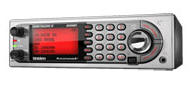
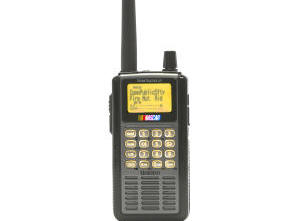
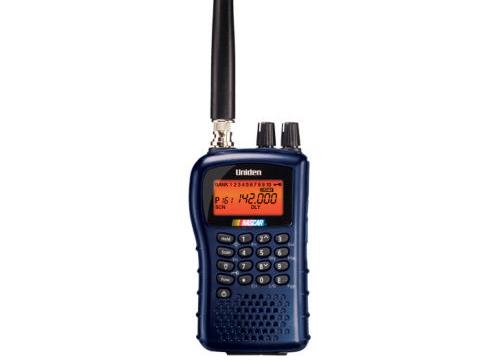
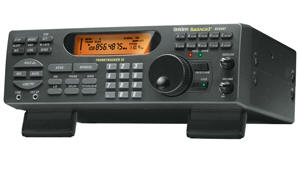
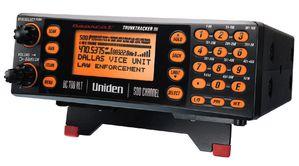
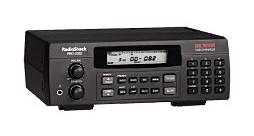
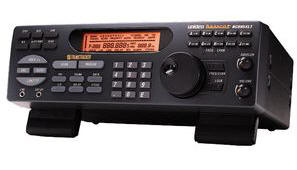
PSR-500
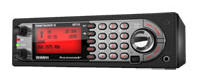
PSR-600
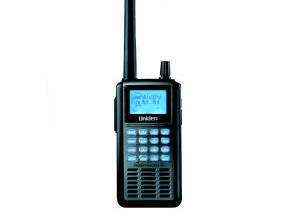
PRO-106
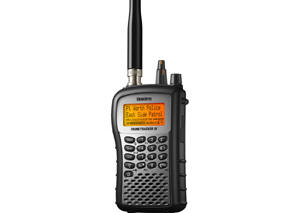
PRO-197
BCD996T
BCT15
BCD396T
BC246T
BR330T
BC95XLT
SC230
BC898T
BC296D
BCT8
BC785D
BC796D
BC780XLT
PRO-2052
BC895XLT
|
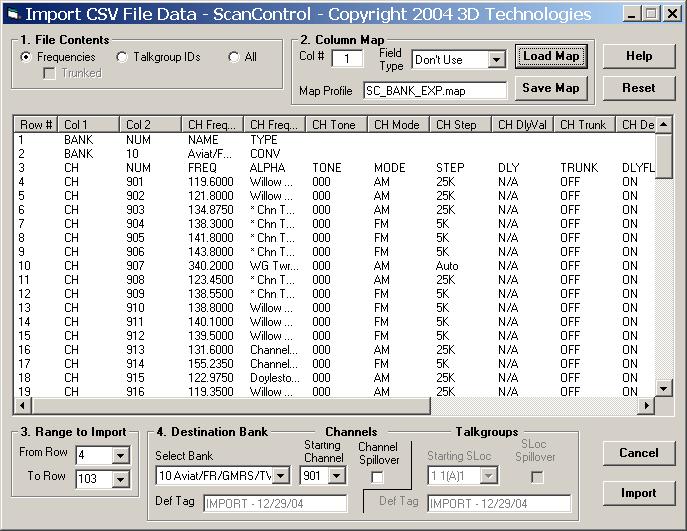
CSV Import Screen (Non-DMA Radios)(Full Edition Only)The Import CSV File Data Screen is a powerful addition to the ScanControl data import capabilities. This screen allows the user to view the rows and columns in a CSV file produced by Excel or any other ASCII text program and designate which rows and columns are to be imported into ScanControl. The user can select what type of data is contained in the file using a technique known as mapping: Frequencies, Talkgroup IDs, Channel Attributes, or any data element that ScanControl supports can be mapped for import. The user then tells ScanControl which bank to import the data into. The user can save the mapping design in a named file called a Map Profile for future, repeated use. Map Profiles can be re-loaded, edited and saved under a different name for quick creation of new maps. Once the data is imported into the destination bank it can then be directly programmed into the radio and saved as part of the ScanControl data file.
|
|