


|
|
|
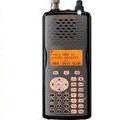
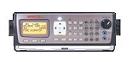
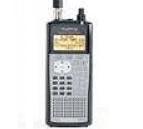
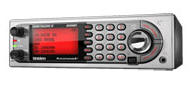
PSR-500
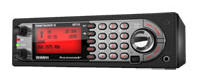
PSR-600
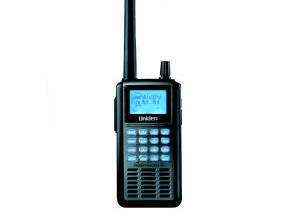
PRO-106
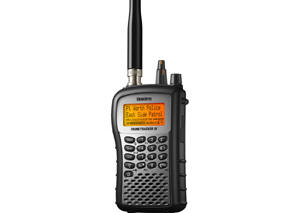
PRO-197
BCD996T
BCT15
BCD396T
BC246T
BR330T
BC95XLT
SC230
BC898T
BC296D
BCT8
BC785D
BC796D
BC780XLT
PRO-2052
BC895XLT
|
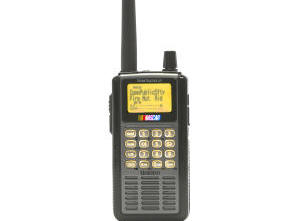
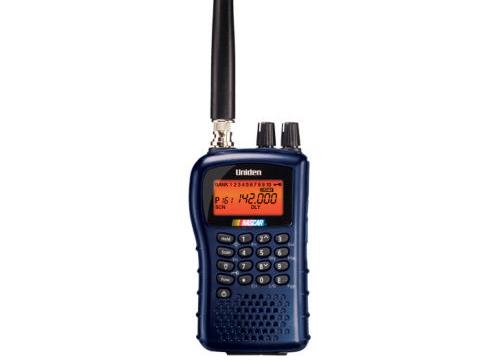
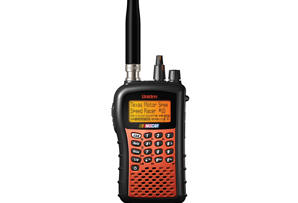
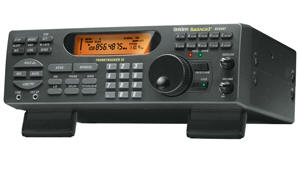
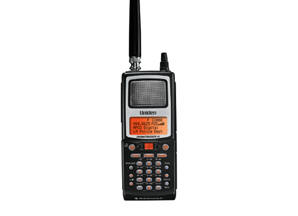
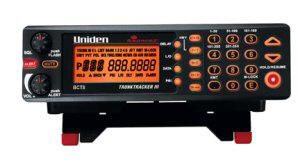
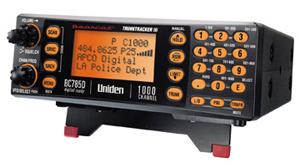
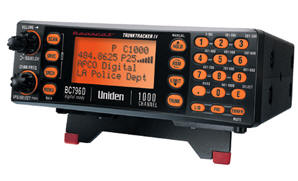
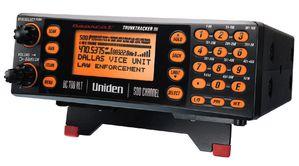
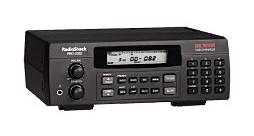
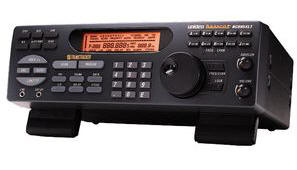
ScanControl Overview:ScanControl has been developed to provide sophisticated scanning radio memory management, monitoring, control and automation. It currently supports the Uniden BC95XLT, BCT8, BC245XLT, BC895XLT, BC898T and BC780XLT Trunk Tracker II scanners, the BC250D, BC296D, BC785D and BC796D Digital scanners, and the SC230, BC246T, BR330T, BCT15, BCD996T and BCD396T Uniden scanners with Dynamic Memory Architecture (DMA). ScanControl now also supports scanners manufactured by GRE; models PSR-500, PSR-600 and their Radio Shack equivalents, the PRO-106 and PRO-197. It also supports the Radio Shack PRO-2052 trunking scanner. ScanControl is the ONLY scanner software on the market that supports both Uniden and GRE, a total of 21 different radios, all in one program. The software has been developed to provide two basic types of functionality: 1. Scanner Memory Management: Scanner Memory Management (SMM) solves the problem of having to manually enter frequencies, Talkgroup IDs and Fleet Maps into the radio but it goes far beyond this convenience. SMM provides functionality for programming frequencies, Channel tags, control attributes (Priority, Delay, Lockout, Attenuate, Trunked), Talkgroup IDs, Fleet Maps and Talkgroup Tags into your Personal Computer (PC), saving them to your PCs hard disk, recalling them from your PCs hard disk, programming them into your scanner and printing them. The program supports creating, saving, recalling programming and uploading (from the scanner) an unlimited number of scanner data files. Each file is an exact copy of the scanner's memory structure with the addition of Bank, Channel and Talkgroup ID tags (alphanumeric descriptors) so you can easily identify the Bank, Channel and Talkgroup IDs. This feature makes it very convenient to create and store multiple scanner data files organized any way you want that can then be programmed into the scanner in minutes. SMM functionality is provided in all editions of ScanControl software. It's worth noting that Version 7.1.x is backward compatible with data files from previous software versions AND older scanners in most cases. This means if you upgrade from a BC245XLT or BC895XLT to the latest BC246T, BCD396T scanner your old data files from your BC245XLT or BC895XLT can be directly loaded into ScanControl with no re-keying or lost data. 2. Scanner Control and Monitoring: Scanner Control and Monitoring (SCM) is available for the BCT8, BC245XLT, BC895XLT, BC780XLT, BC250D, BC296D, BC785D, BC796D, PRO-2052, SC230, BC246T, BR330T, BCT15, BCD996T, BCD396T, PSR500, PSR600, PRO-106 and PRO-197 in Version 7.1.x - available for purchase now. SCM functionality is only provided in the Full and PRO Editions of ScanControl software. Minimum System Requirements:
Visit our Uniden Screen Shots or GRE Screen Shots pages for screen shots of the functionality currently available in each edition. Link to our DEMO DOWNLOAD page to obtain a free demonstration copy of ScanControl. Visit our Purchase & Download Page
|
|